
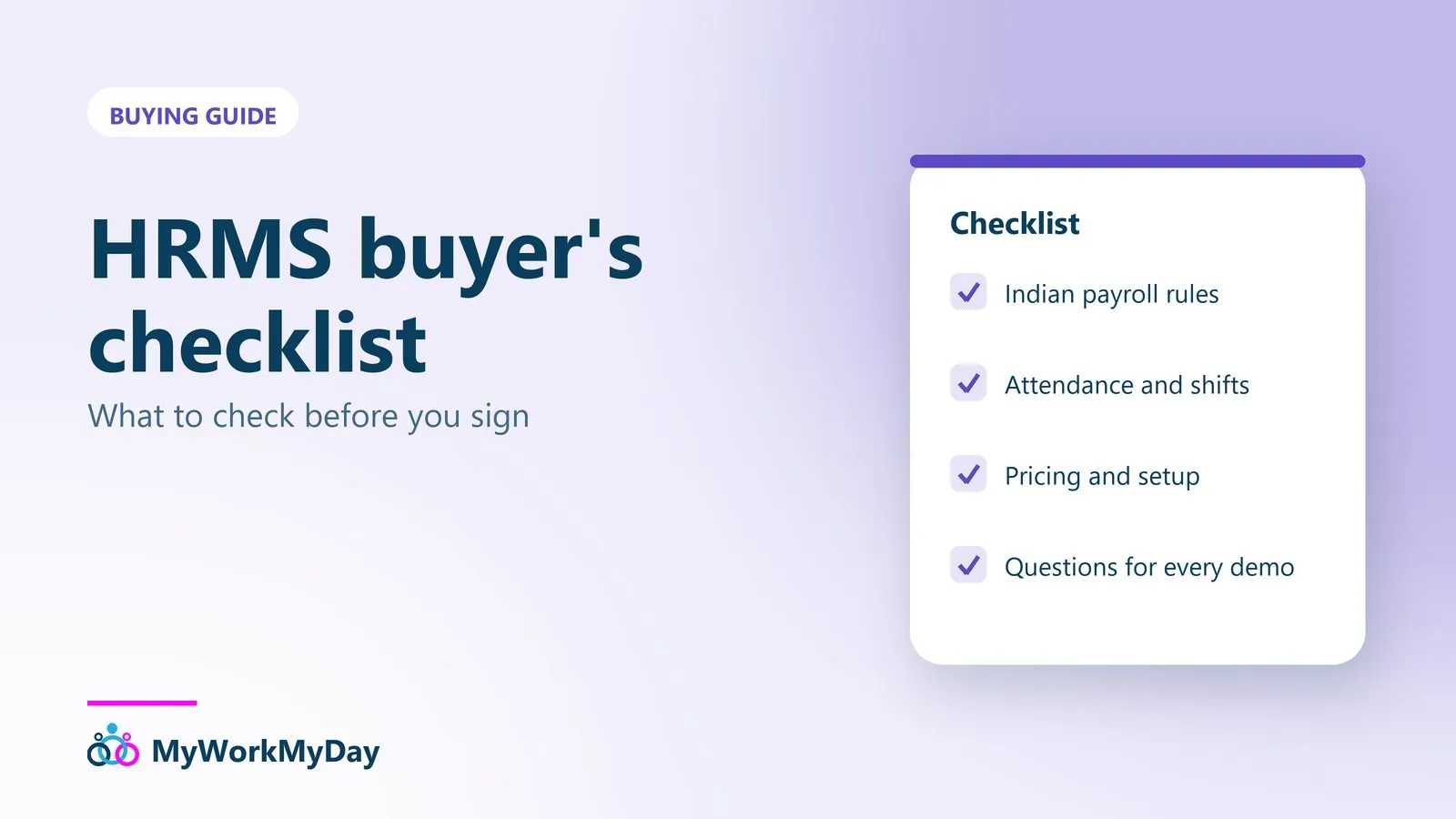
How to Choose the Best HRMS Software in India: A Buyer's Checklist
What to check before you sign: Indian payroll rules, attendance and shifts, pricing, setup, and the questions that separate a good demo from a good product.
The short answer
The best HRMS for an Indian business is the one that gets payroll right under Indian rules, matches how your people actually mark attendance, shows its price before a sales call, and can be set up with your own data in weeks rather than months. Shortlist three products, run the same checklist in every demo, and ask each vendor to show your own payroll case, not their sample one.
What an HRMS Should Cover
An HRMS (human resource management system) keeps one record per employee and runs the work that depends on it. For most Indian companies that means:
- Core HR: employee records, documents, reporting lines and multiple locations or legal entities.
- Time: attendance, shifts, leave and, for project teams, timesheets.
- Payroll: salary structures, statutory deductions, payslips and the returns that follow.
- Self-service: an app where employees check in, apply for leave and download payslips.
- Hiring and exits: recruitment, onboarding, resignations and full and final settlement.
Everything should share the same employee record. If attendance lives in one tool and payroll in another, someone will re-type data every month, and that is where errors start.
Check Indian Payroll First
Payroll is the part you cannot afford to get wrong, and Indian rules changed a lot in 2025 and 2026. Ask every vendor to show, on screen:
- PF worked out on the ₹25,000 wage ceiling in force since 17 September 2026, with the EPS and EPF split
- ESI applied only when gross wages are ₹21,000 a month or less
- Professional tax by state, for every state you have staff in
- TDS under both the new and old regimes, from the employee's own declarations
- The salary TDS return under the new forms (Form 24Q became Form 138 from FY 2026-27)
- How "wages" are worked out under the Code on Wages, where allowances above 50% of pay are added back
Pro tip
Bring one real, anonymised payslip to the demo, with an LOP day and an arrear, and ask the vendor to reproduce it. It tells you more than any feature list.
Match Attendance to How Your People Work
Attendance is where HR software meets real life. Office teams, field staff and shift workers check in differently, and the HRMS has to handle all of them:
| Your team | What to check |
|---|---|
| Office staff | Web check-in, biometric devices, rules for late arrivals and short hours |
| Field and site staff | Mobile check-in with GPS, and geofencing that limits check-in to a site |
| Shift workers | Night shifts that cross midnight, rotation, weekly offs on different days |
| Everyone | A regularisation request for missed punches, with approval before payroll |
Look for Pricing You Can See
Many HR products only share prices after a sales call, and modules are often bundled into tiers. Before the first meeting, find out:
- Is there a published price, and is it per employee, per month or a fixed slab?
- Which modules are in the base plan, and which cost extra?
- Is there a setup or implementation fee?
- What happens to the price as you add employees?
A tool that looks cheap per employee can cost more once payroll compliance or attendance is added as a separate module.
Ask How Setup Really Works
The best software still fails if it takes six months to go live. Ask who does the setup, how your existing Excel data gets in, and how long a company of your size usually takes. Ask for the order of work, too: organisation structure first, then policies, employee data, roles and payroll rules.
Example
"We have 140 employees in three states, two shifts and an Excel sheet with five years of history. Walk me through your first two weeks." A clear answer to that one question is worth more than a long proposal.
Questions to Ask in Every Demo
- Show a payroll run with an LOP day, an arrear and a new joiner
- Show PF at the ₹25,000 ceiling and ESI at ₹21,000
- Show professional tax for two different states
- Show a night shift that crosses midnight
- Show a missed punch being corrected and reaching payroll
- Show what a manager sees, and what they cannot see
- Show the employee app: check-in, leave and payslip
- Show the published price for our headcount, including any setup fee
Compare Products Side by Side
We make MyWorkMyDay, so read this section knowing that. Our comparison pages list each product's details from its own website, with the date we checked and a link to the source, so you can check every line yourself:
Frequently Asked Questions
What is the best HRMS software in India?
There is no single best product for every company. The right HRMS gets Indian payroll right for your states, matches how your people mark attendance, shows its price upfront and can be set up with your data in weeks. Shortlist three and run the same checklist in each demo.
What is the difference between HRMS and payroll software?
Payroll software runs salaries and statutory deductions. An HRMS also covers employee records, attendance, leave, shifts, hiring and self-service, and feeds that data into payroll so it is not typed twice.
How long does it take to set up an HRMS?
It depends on your size and how ready your data is. Ask each vendor for the order of work and a typical timeline for a company of your size, and who does the data upload.
What should small businesses look for in HR software?
Published pricing, payroll that handles PF, ESI, PT and TDS correctly, a simple employee app, and setup help, so you do not need a dedicated HR systems person.
Further reading
See MyWorkMyDay against this checklist
Book a 30-minute demo and bring your own payroll case: we will run it live.
More Guides
Payroll
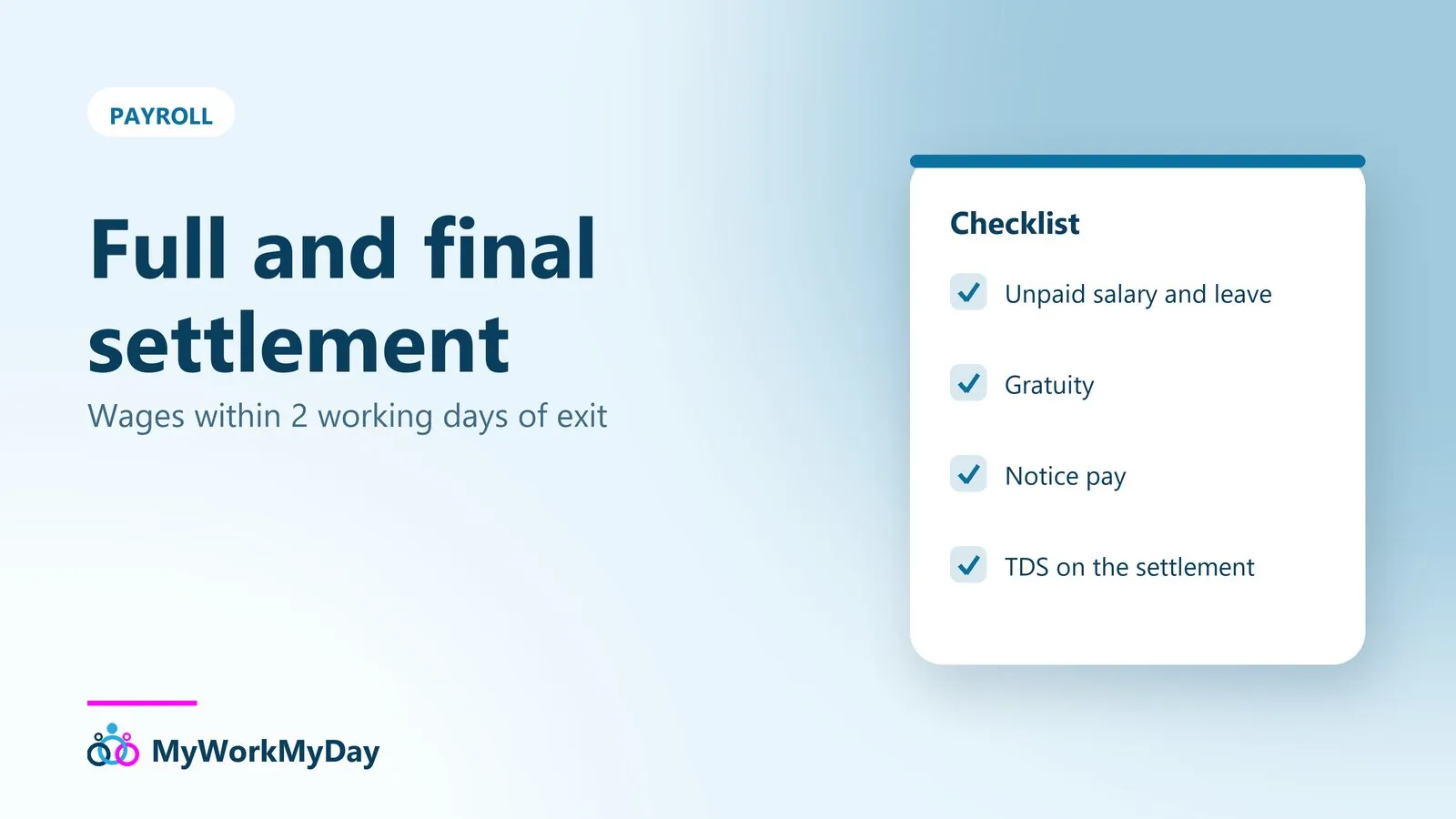
Full and Final Settlement in India: What to Pay, When, and How
The components of a full and final settlement, the two-working-day rule for wages, how gratuity and leave encashment are taxed, and a step-by-step checklist.
Payroll compliance
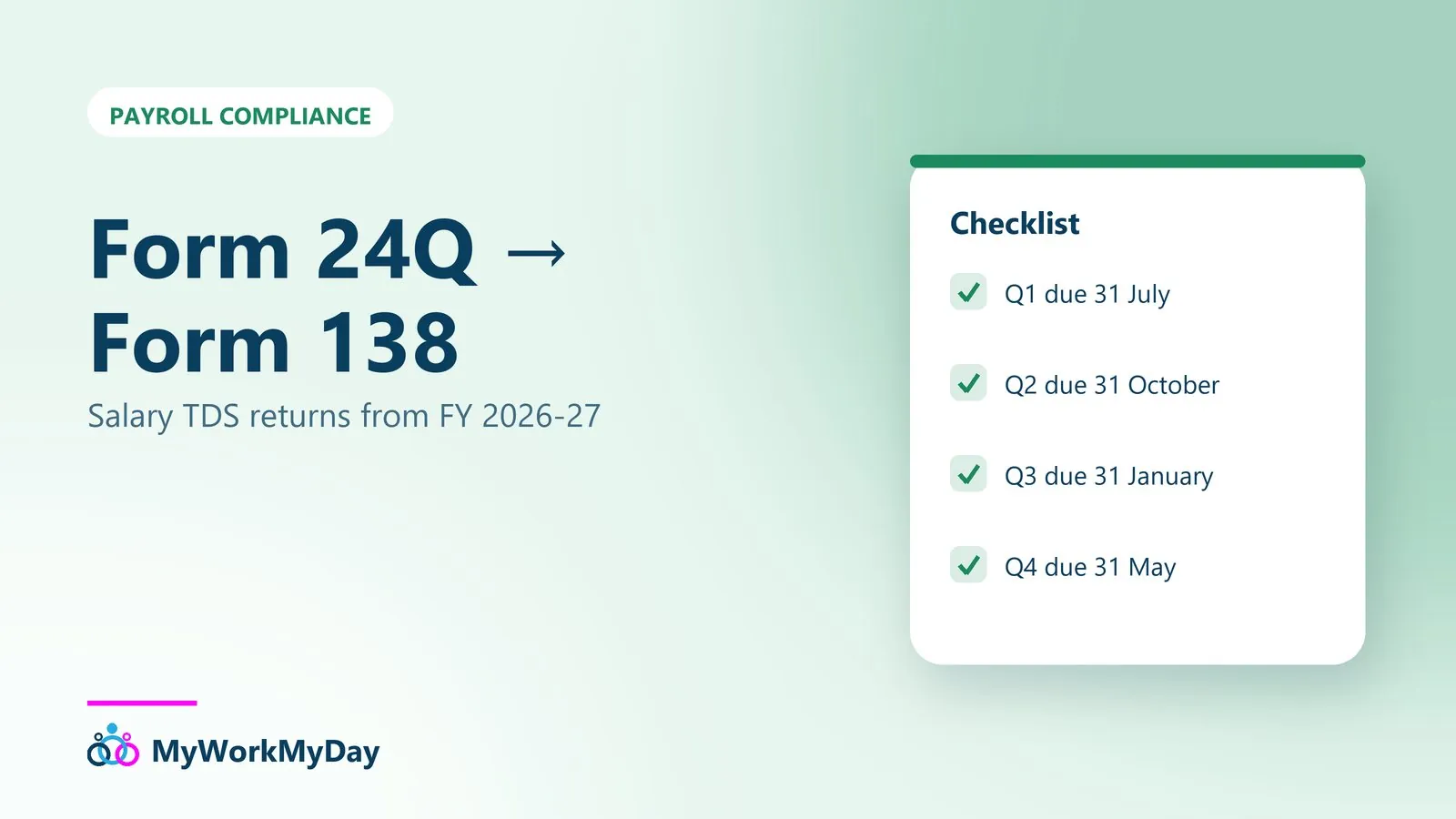
Form 24Q Is Now Form 138: Salary TDS Returns From FY 2026-27
What changed under the Income-tax Act, 2025, the new form numbers, quarterly due dates, and what stays on the old forms during the transition.